Most people have never thought twice about the space between words. It's just... there. Empty. Unremarkable. But spend enough time online — gaming, messaging, filling out web forms, building a social media presence — and you'll eventually run into a wall. A field that won't accept a space. A username platform that rejects anything that looks "blank." A chat app that simply refuses to send an empty message.
That's the moment invisible characters go from being a nerdy Unicode footnote to something genuinely useful.
What is Blank Text?
Blank Text is a free online tool that lets you instantly generate, copy, and paste invisible Unicode characters — no sign-up, no installation, no technical knowledge required. Whether you want to send an empty-looking WhatsApp message, create a unique blank gaming username, or fill a required form field without visible content, Blank Text makes the process effortless. You simply choose your character type, generate as many invisible spaces as you need, and copy them in one click. The tool supports a wide range of Unicode whitespace characters — from the Zero Width Space to the Hangul Filler — so you always have the right invisible character for the right platform. It also includes a built-in testing area where you can verify that your invisible text actually works before using it anywhere. Clean, fast, and completely free, Blank Text is the go-to tool for anyone who needs invisible characters to work for them online.
What Makes a Character "Invisible"?
Every character you type — every letter, number, and punctuation mark — is assigned a unique numerical code under the Unicode standard. Unicode is the universal system that lets computers across the world agree on what a symbol means. It currently contains well over 140,000 characters, and a small but fascinating subset of those are whitespace characters: symbols that take up space (or no space at all) without displaying anything visible.
The most commonly used ones include the Zero Width Space (U+200B), which inserts no visible width whatsoever; the Hangul Filler (U+3164), which is technically categorized as a letter but renders as space; and a range of spacing variants like the Em Space, En Space, and Thin Space, each with slightly different widths designed for typographic precision.
These characters aren't bugs. They were built into the Unicode system intentionally, for real purposes — things like controlling text flow in multilingual documents, adjusting spacing in mathematical formulas, or separating ideographic characters in East Asian scripts. For using these characters, visit now blanktext. net. The fact that they've found a second life in everyday internet use is a natural evolution.
Why Regular Spaces Don't Always Work
You might wonder: why not just use the spacebar? The answer lies in how modern platforms validate user input.
When you type a regular space (U+0020) into a username field and hit submit, most platforms trim that input automatically. Developers call this "whitespace stripping" — it's a common, intentional behavior designed to prevent formatting inconsistencies and database errors. Similarly, messaging apps often detect and block messages that contain nothing but standard spaces, because an empty-looking message is assumed to be a mistake.
Invisible Unicode characters behave differently. Many platforms haven't explicitly blocked them because they're not standard spaces — they're classified as letters or formatting characters, and they slip past the filters that catch regular whitespace. The result is that you can send a message that appears completely blank, or create a username that looks like nothing is there, while the underlying text is technically non-empty.
Where People Actually Use Them
The practical applications are more widespread than you might expect.
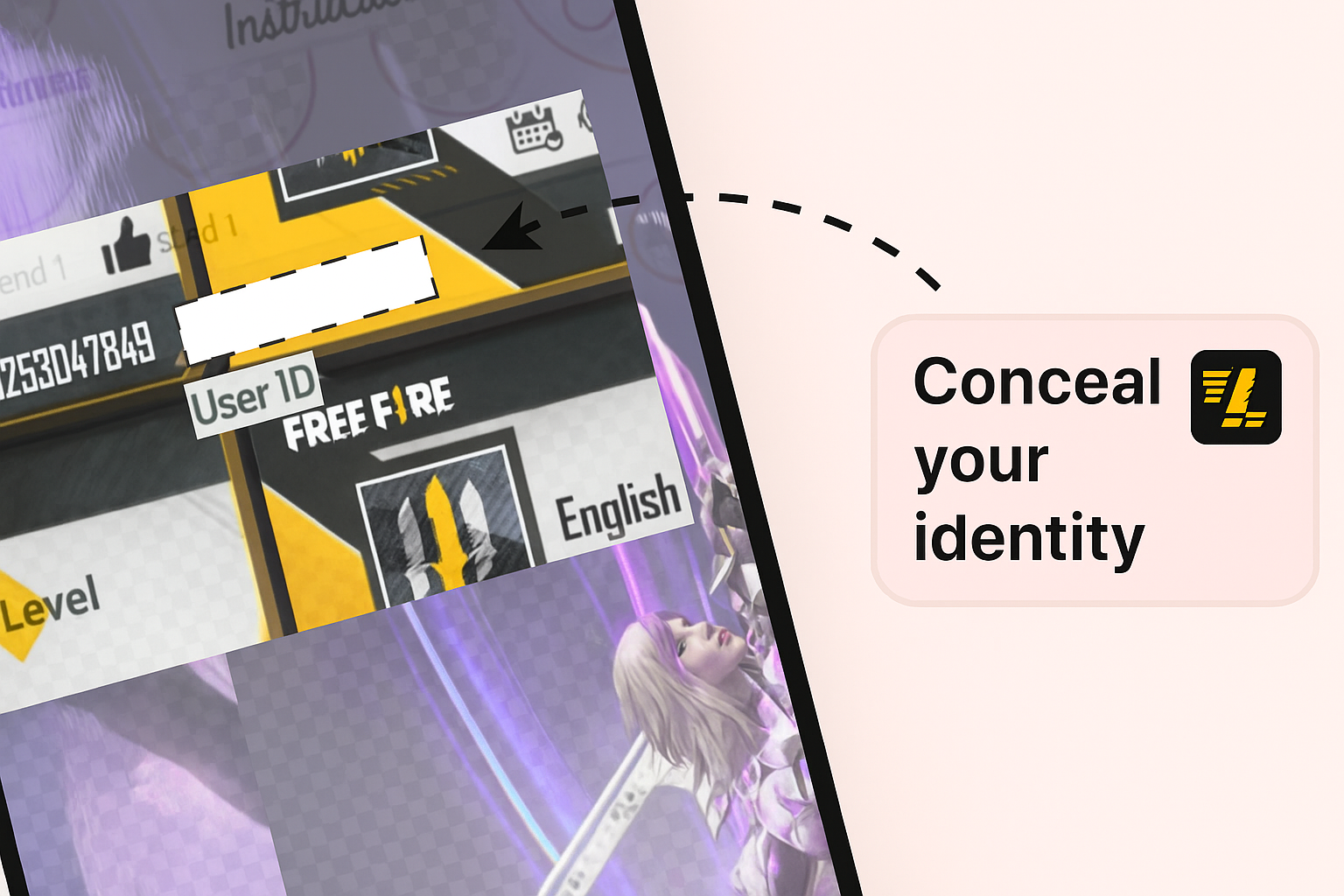
Gaming usernames are one of the most popular use cases. In games like Free Fire, PUBG Mobile, and various mobile RPGs, standing out from thousands of players with similar names is a real social challenge. A blank or minimal-looking username doesn't just look cool — it's genuinely harder for other players to ping, reference, or remember in a conventional way, which some competitive players deliberately leverage.
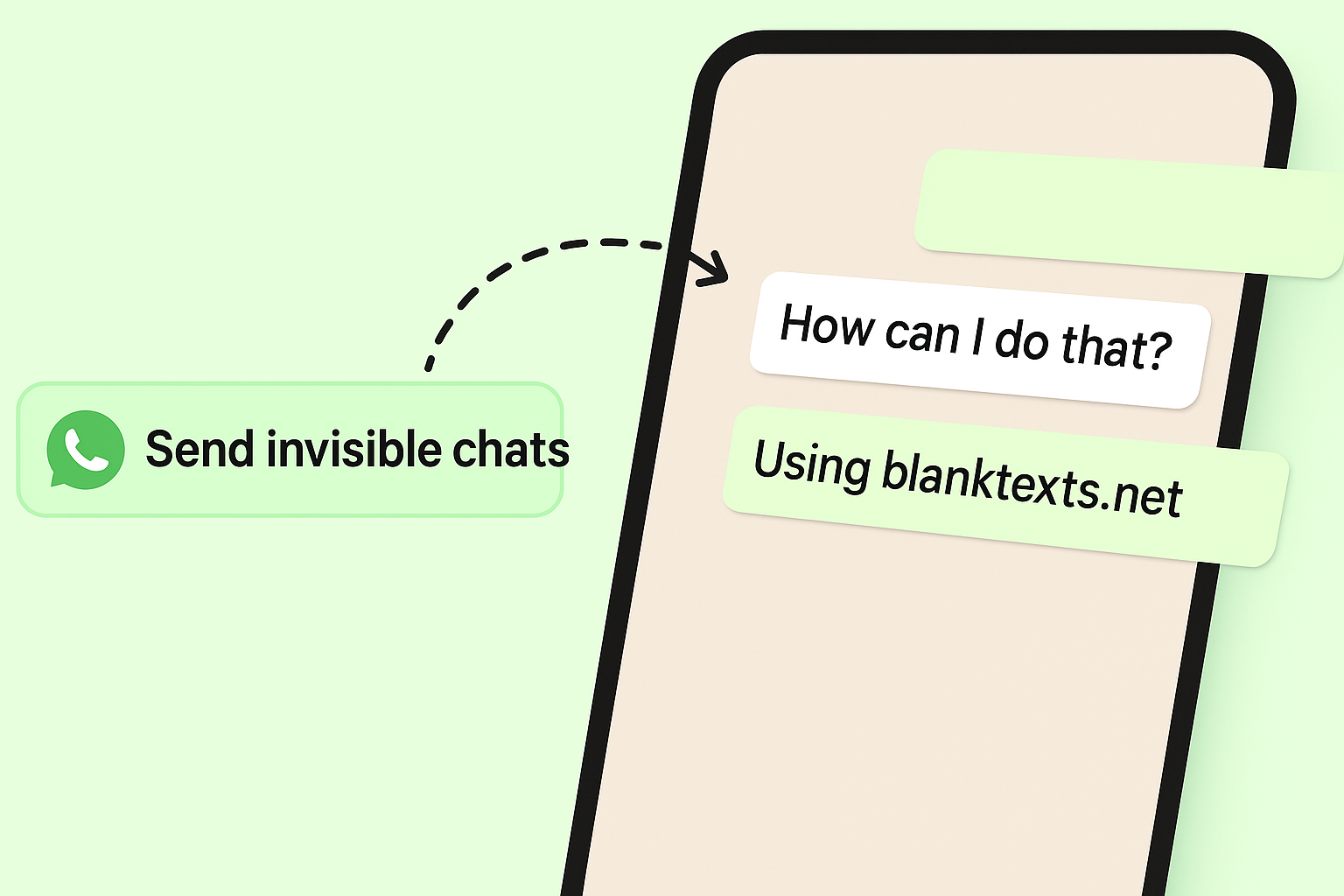
WhatsApp and other messaging apps have made the "blank message prank" a genuine cultural phenomenon. Sending what appears to be an empty message to a friend — one they can't reply to with a normal empty message — has a certain low-key humor that's hard to explain but very easy to appreciate once you've experienced it.
Social media bios and profiles benefit from invisible characters, too. Many creators use them to create visual breathing room between lines in Instagram bios, where the platform otherwise collapses whitespace. A well-placed invisible character can turn a cluttered bio into something that actually looks designed.
Form fields and data entry represent a more pragmatic use case. Sometimes you genuinely need to leave a field non-empty without providing real information — for testing, for privacy, or simply because the field is optional in spirit but required by the interface. Invisible characters solve that cleanly.
The Technical Side, Briefly
Not all invisible characters work the same way everywhere. Platform behavior varies considerably. A Zero Width Space that works perfectly in one app might be stripped out by another, while the Hangul Filler passes through cleanly. This inconsistency is why having access to multiple character types matters — what works on Discord might not work on Twitter, and what passes through a mobile game's username filter might be rejected by a PC game's.
The best way to confirm a character will work is to test it before committing. Copy the generated character, paste it into the target field, and see how the platform responds. If the field accepts it and displays nothing, you're good. If it strips it or throws a validation error, try a different character from the Unicode whitespace range.
It's also worth knowing that invisible characters are completely harmless from a technical standpoint. They don't carry code, don't execute scripts, and don't affect device security in any way. They're just characters — unusual ones, but characters nonetheless.
A Small Tool With Surprisingly Broad Reach
The interesting thing about invisible character generators is that they serve an audience that spans wildly different demographics. A teenager customizing a gaming profile, a social media manager formatting a branded bio, a developer testing form validation, and someone pranking their group chat are all, in some sense, doing the same thing: using a gap in platform assumptions to achieve something those platforms didn't explicitly design for.
That's not circumventing the system in any harmful way — it's just using Unicode as it was built, creatively. The standard was designed to accommodate every human writing system on earth. Invisible and formatting characters are part of that design, not workarounds.
Understanding what they are, how they differ from each other, and where they're most reliably usable gives you a small but genuinely handy skill for navigating the modern web — one that most people don't know they need until the moment they do.